New Data Analysis Tool Launch: SheetAI Officially Released on Product Launch, Supporting Spreadsheet Processing and Advanced Analysis

Today, we officially launched SheetAI on Product Launch. This marks an important milestone on our journey to "make data analysis simpler and smarter."
SheetAI is a data analysis tool designed for real-world data scenarios. It supports everything from basic spreadsheet processing, to visual charting, and even more advanced data analysis tasks, all directly in the browser, without any local environment setup or switching between multiple tools.
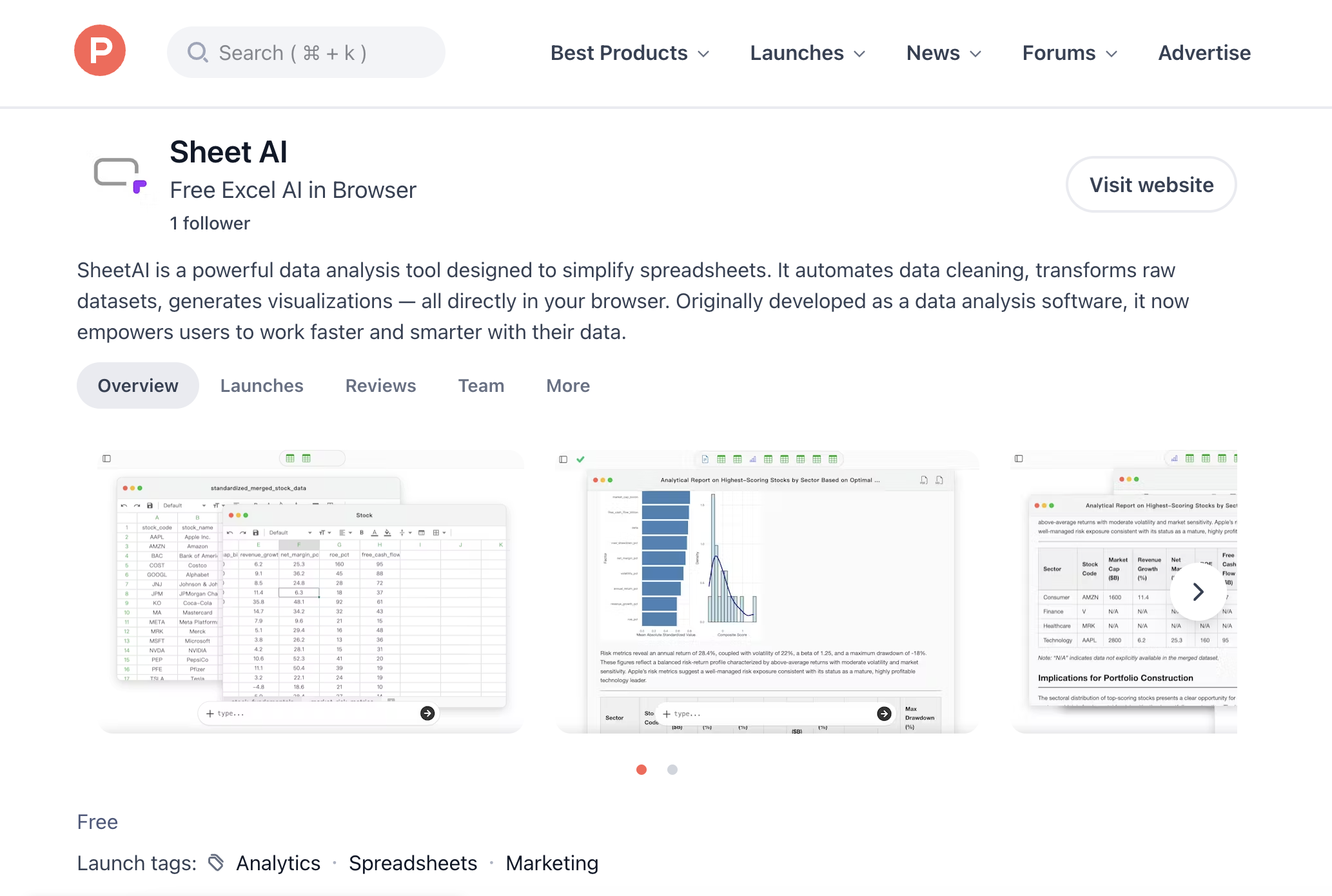
In practice, SheetAI already covers many high-frequency data processing needs. For example, in Excel/CSV spreadsheet handling, you can quickly perform tasks such as:
- Row/column transposition: How-to-Transpose-Rows-and-Columns
- Summarizing sales data by city and product: How-to-Summarize-Sales-Data-by-City-and-Product
- Batch adding prefixes to a column: How-to-Use-an-AI-Data-Analysis-Tool-to-Batch-Add-Prefixes-to-a-Column
- Batch merging multiple CSV files with automatic date column addition: How-to-Batch-Merge-Multiple-CSV-Files-and-Automatically-Add-Date-Columns
In terms of visualization, SheetAI also allows you to generate high-quality charts directly. For example:
- Creating city-level consumption distribution charts using ggplot: How-to-Create-a-City-Level-Consumption-Chart-in-ggplot
For more advanced users, SheetAI can also handle complex data analysis scenarios, including real-world research cases, such as:
- Biomedical data analysis: Case-Study-in-Biomedical-Data-Analysis
We hope more users will discover SheetAI and provide feedback within real data workflows. In the future, we will continue to optimize performance and expand analytical capabilities, making SheetAI the most convenient tool for your spreadsheet and data analysis tasks.
If you are looking for a lighter and smarter way to handle data, we invite you to try our product and share your thoughts with us.